A chat on your site that answers, day and night.
Pick a private live chat for one visitor at a time, or a Global Room everyone on the page shares. Both land in your Inbox, and both only run on the domain you verify.
AI live chat that knows your site.
It answers visitors around the clock from your public pages. Every chat lands in your Inbox. The chat in the corner is the same widget.
<script src="https://app.aiskillhub.dev/widget.js"
data-widget="wgt_your_widget_key" async></script>- 1. Add your URL. We scan your pages.
- 2. Verify your domain by DNS or meta tag.
- 3. Paste the snippet. It only runs on your domain.
Next: Global Room and Live chat as tabs in one widget.
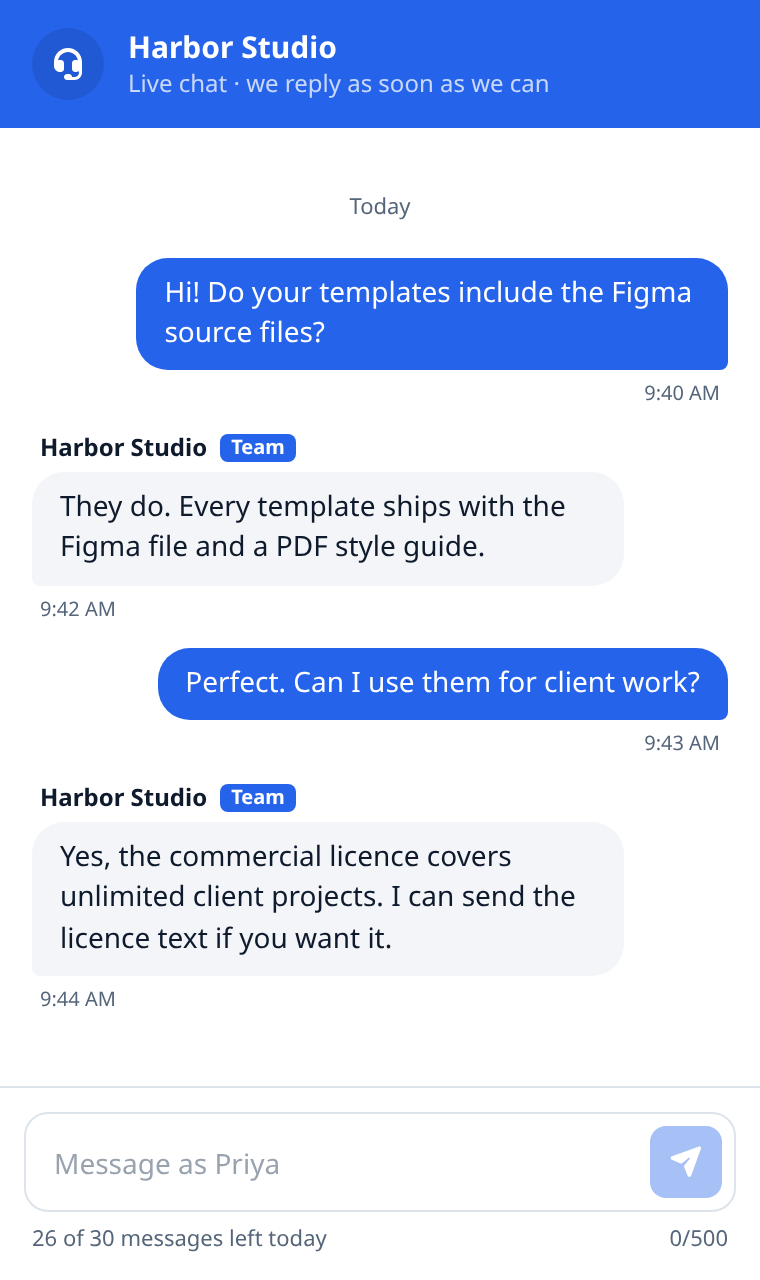
A private chat per visitor, answered from your site's content. Step in from the Inbox any time.
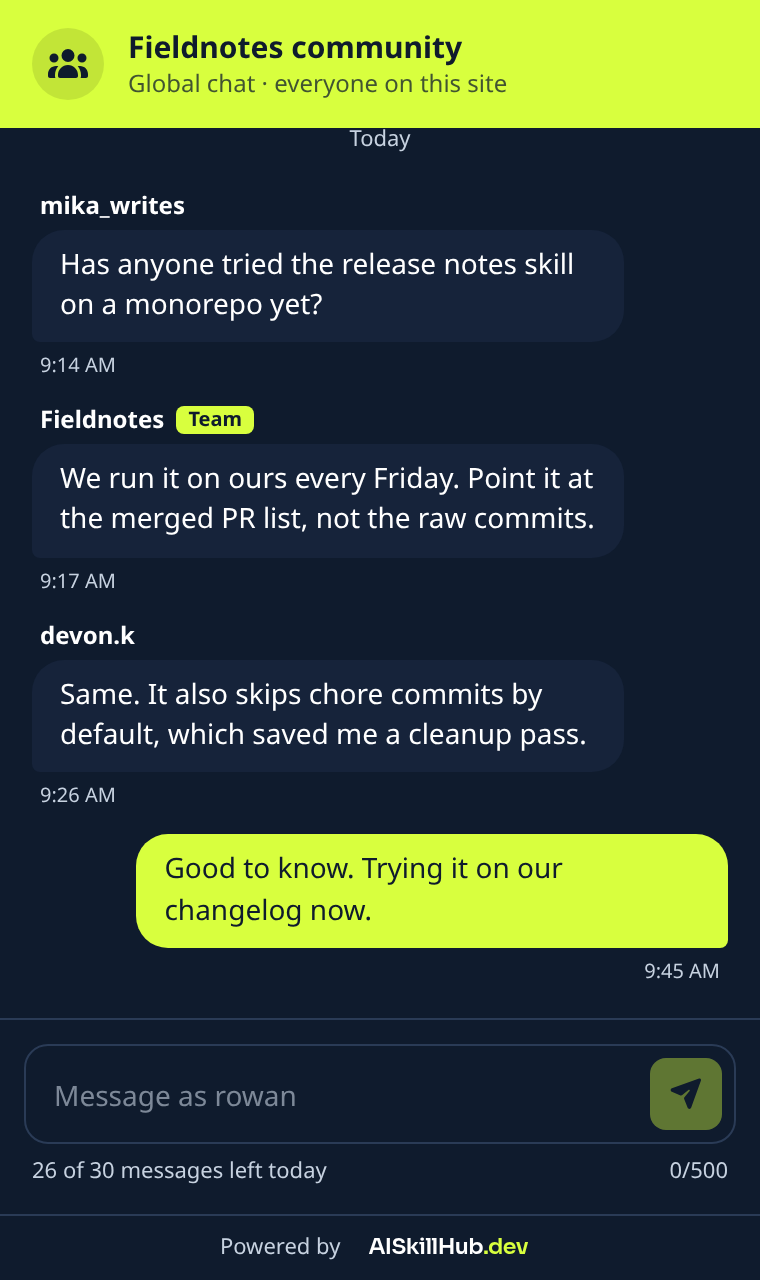
One shared chat for your site, or separate rooms for the pages you choose.
Make it look like yours.
Style it on a sample site- Your words
- Chat title, greeting, and a separate greeting for each page room.
- Your colors
- Accent color, light or dark theme, and which corner it sits in.
- Your icons
- Your own logo on the floating button and in the chat header, with their own backgrounds. Every plan.
- Your limits
- How many messages each visitor can send per day, so a busy page stays readable.
Install it on your platform.
Setup overviewQuestions
All answers- How does the AI live chat answer my visitors?
- We scan your public pages and the AI agent answers each visitor privately from that. Every chat lands in your Inbox.
- Can I take over a conversation from the AI?
- Yes. Reply from the Inbox and the visitor sees your message with a Team label.
- What is the Global Room?
- A shared chat for everyone on your site. Visitors pick a nickname, and a daily allowance keeps it readable.
- Can pages have their own chat room?
- Yes. Keep one room for the whole site, give chosen pages their own room, or give every page one on Business and up. Error pages always use the main room.
- How many page rooms do I get?
- 1 per chat on Free, 10 on Pro, and 100 on Business. Enterprise has no plan limit.
- Can I use Global Room and Live chat together?
- Not yet. Widget tabs, with both side by side, are next on the roadmap.
- How do I add the chat to my website?
- Create a widget, verify your domain by DNS or meta tag, and paste one script tag. Localhost works without verification.
- Can I match the widget to my brand?
- Yes: title, greeting, colour, theme, side, and your own icons for the floating button and chat header on every plan. Pro and up can remove the Powered by AISkillHub link.
- Do messages arrive in real time?
- Yes, over WebSockets, with automatic polling when a network blocks them.
Get AISkillHub updates in your inbox.
New features as they ship, AI live chat improvements, and the best new listings in the catalog.